


Features
Retail POS features: checkout, inventory, customers and reports
Quetzal POS covers the whole day in a specialty store: checkout with split payments and trade-ins, inventory with variants, counts and purchase orders, customer profiles with loyalty and store credit, and more than 25 reports. It runs in a web browser, on iPad and on Android.
Checkout and customers
Fast at the counter, and it handles the sales that aren't simple. Remember your regulars and give them a reason to come back.
Split one sale across any payment
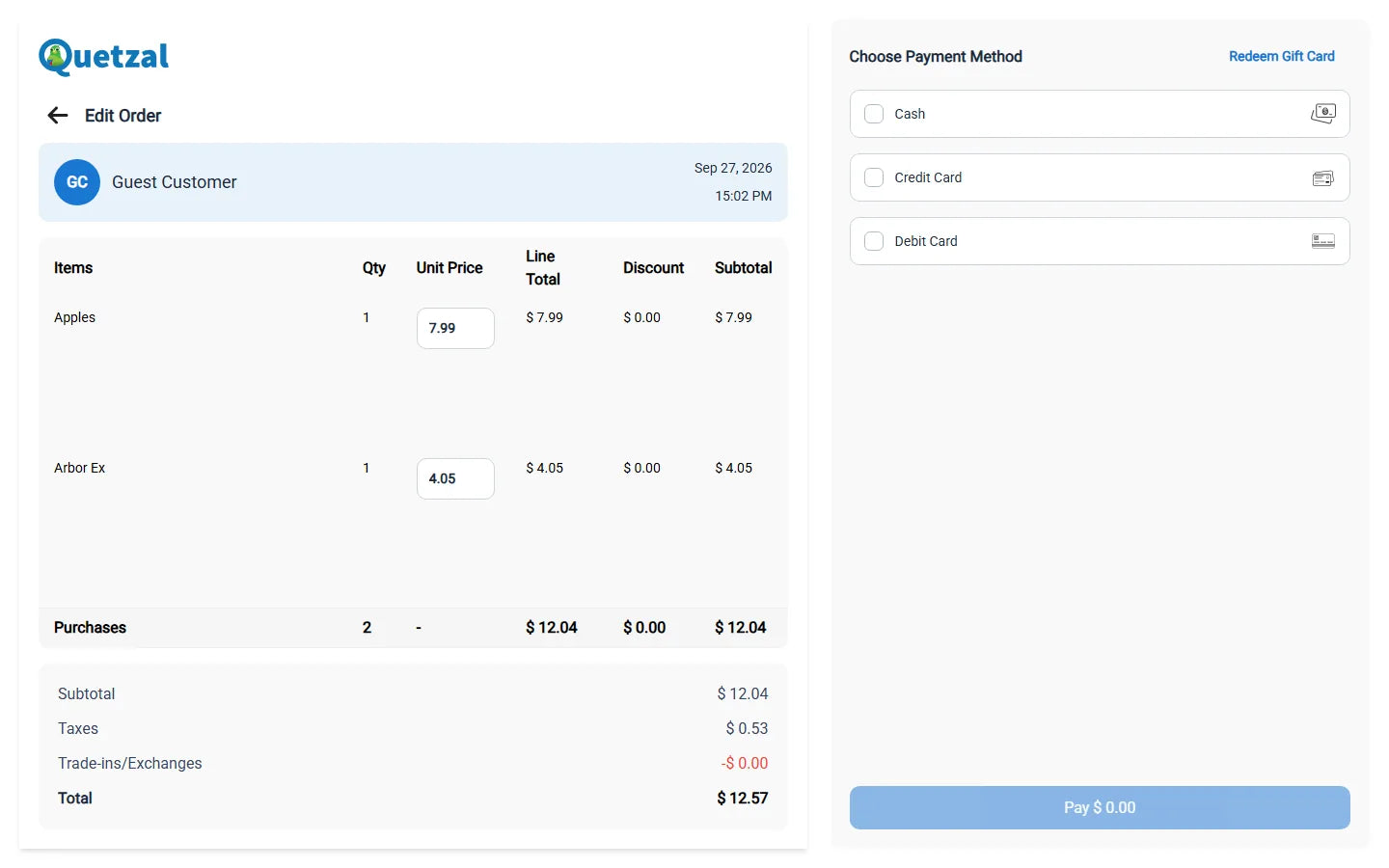
Take cash, credit, debit, gift cards, store credit and loyalty points on the same sale. Card payments run on integrated Nuvei terminals, with charge, void and retry built in. Edit a unit price at checkout when you need to, and email, print or gift-receipt the sale.
Trade-ins, exchanges and one-off items
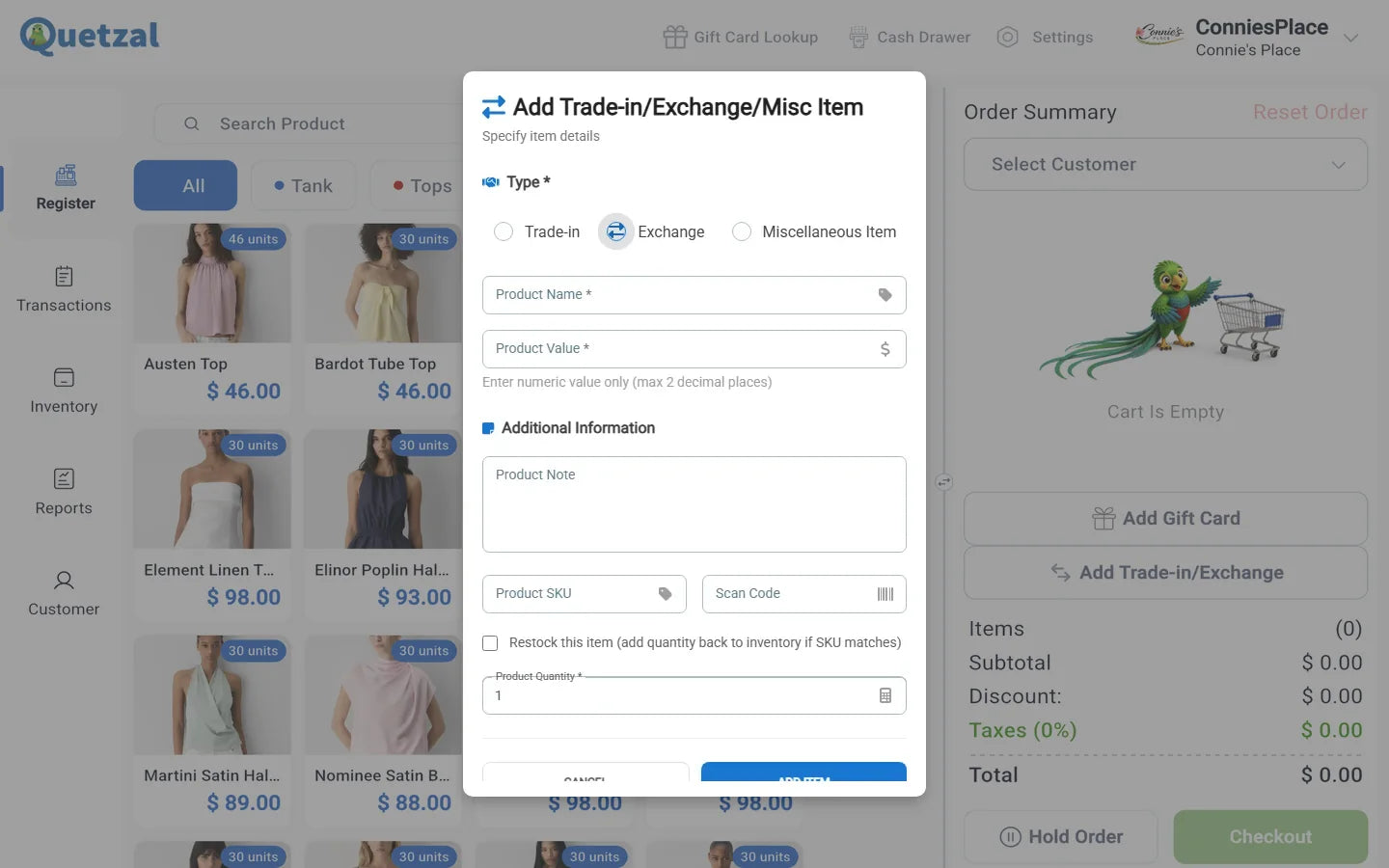
One button takes a trade-in, an exchange or a miscellaneous item. Any item in the cart turns into an exchange with one tap, and goes back into stock when the SKU matches. Trade-ins show as their own line in sales and accounting reports.
Loyalty that you set the rules for
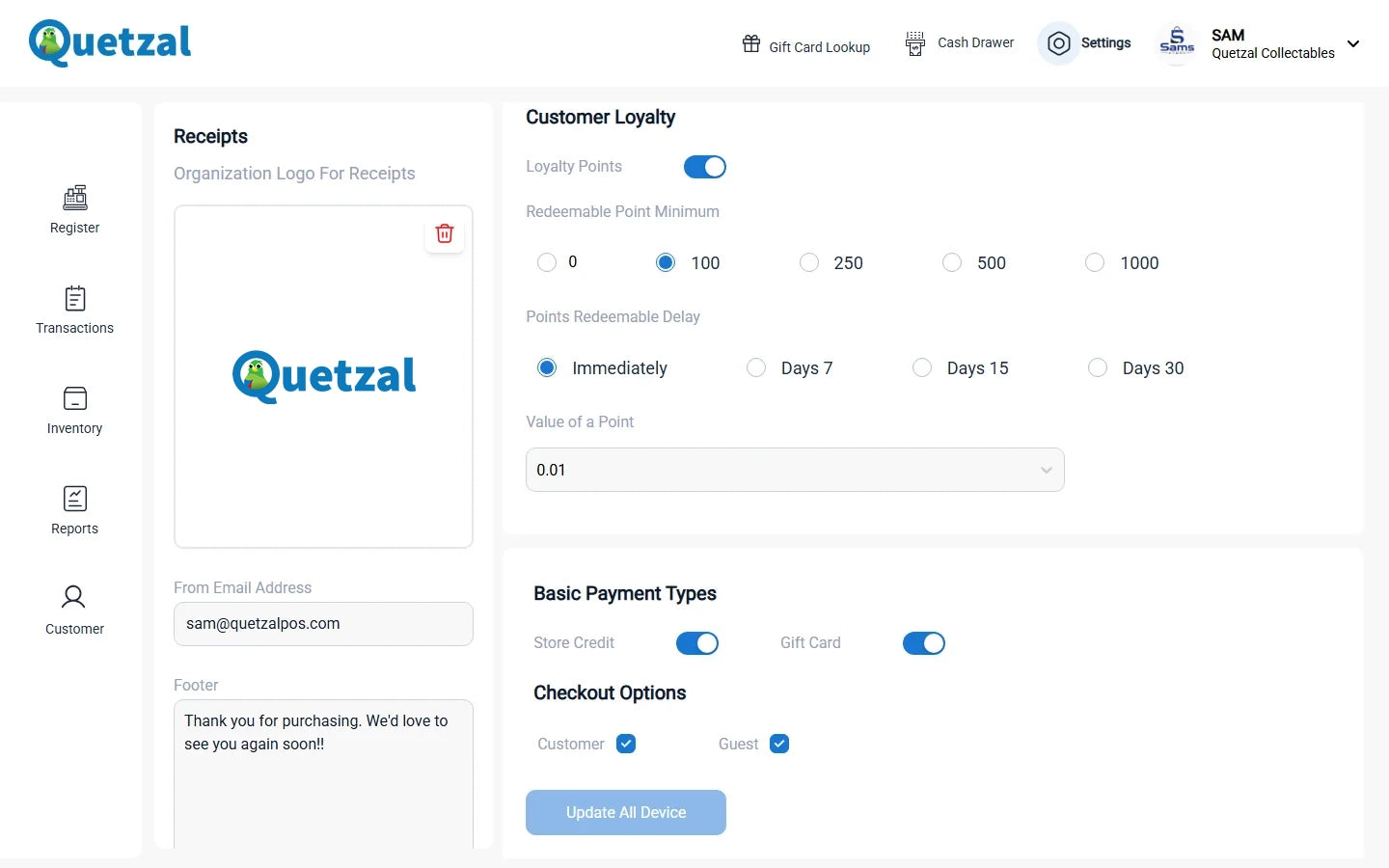
Choose what a point is worth, the minimum to redeem and how long before new points can be used. Give double or triple points on chosen products. Customers can spend points at checkout like any other payment.
Profiles, store credit and gift cards
- Customer profiles: contact details, birthday, notes and full purchase history, created right from the register.
- Store credit balances: issue credit on returns and exchanges. Balances show on each profile, and the accounting report tracks what you owe.
- Gift cards and gift receipts: sell and redeem gift cards, look up balances, and see every card in the gift card report.
- Customer or guest checkout: attach a customer to every sale, allow guest checkout, or both.

Inventory
Know what you have, where it went, and what to order next.
Variants with their own SKU, cost and stock
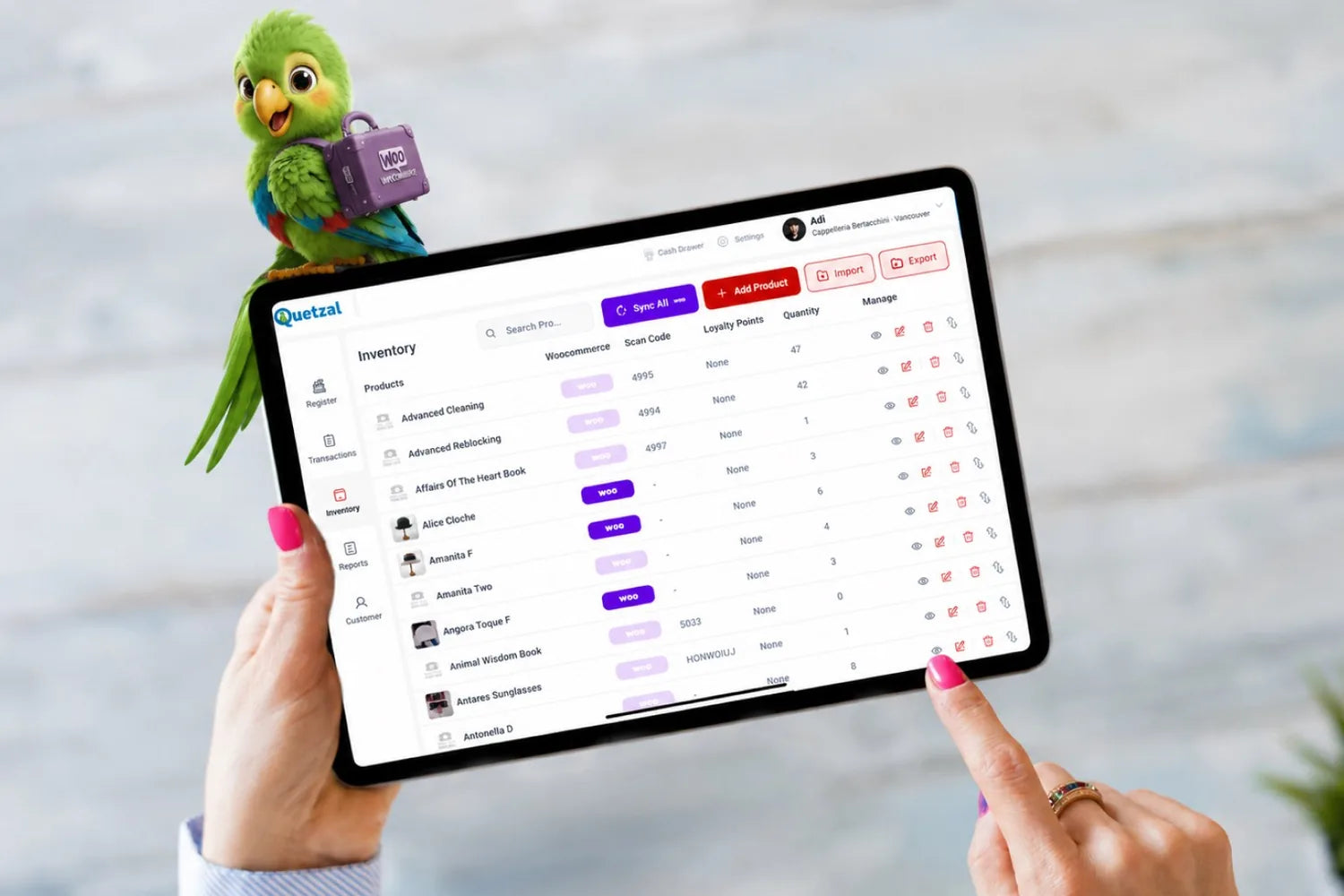
Set up attributes like size and colour and Quetzal POS creates every variant with its own SKU, barcode, price, cost and stock. Add brands, vendors and categories as you go, and print barcode labels from any product.
An audit trail for every unit
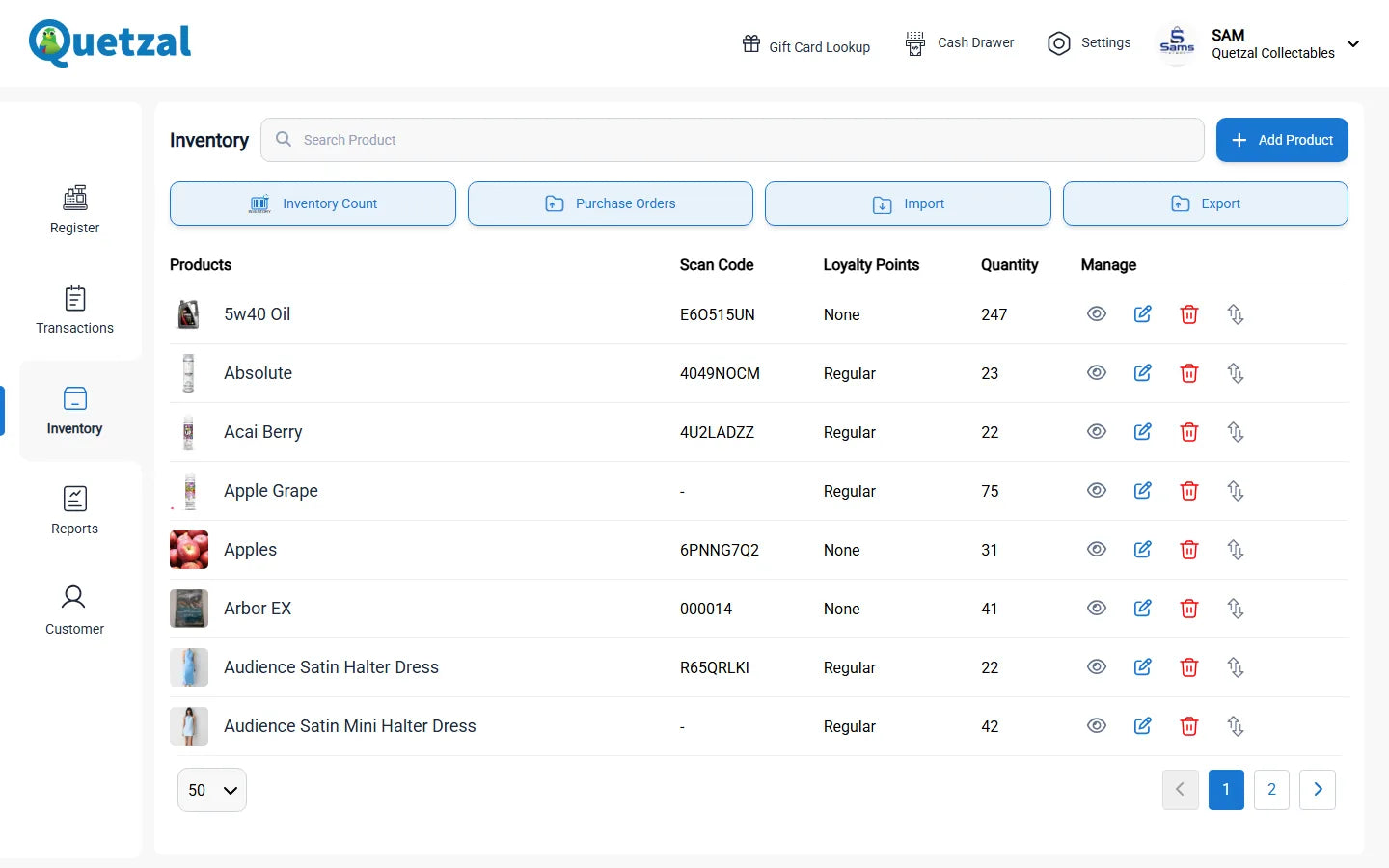
Every stock change is logged with the date, variant, reason, resulting stock and cashier. Sales link back to the order that caused them.

Guided stock counts
Start a count session, scan the shelves and compare expected against actual for every variant. Accept the matches in bulk and see your match rate for each count.

Purchase orders to vendors or your other stores
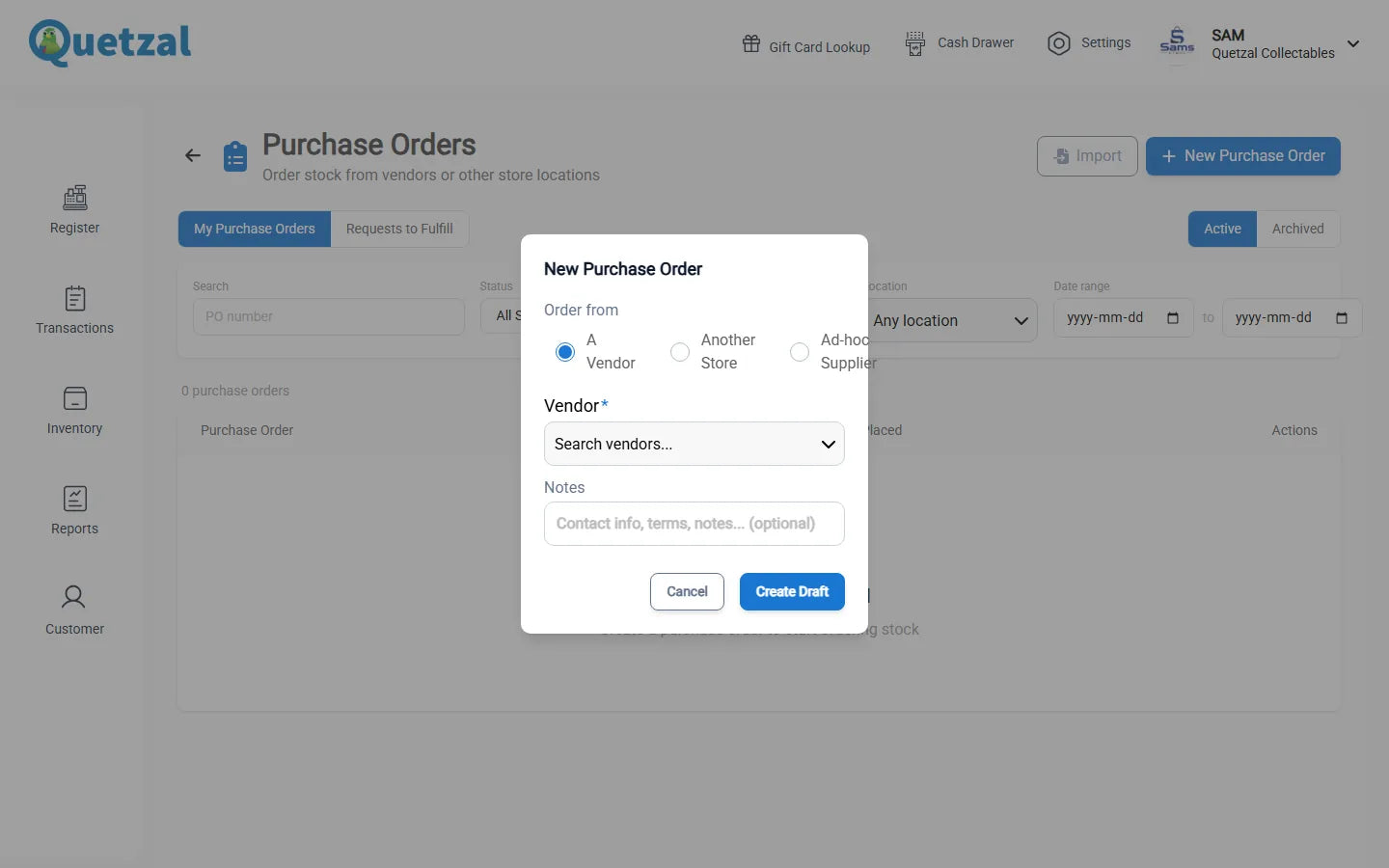
Order from a vendor, an ad-hoc supplier or another of your locations. Track each order from draft to partially received to closed, and import orders from CSV or Excel.
Reports
More than 25 reports. Every one filters by date and sales channel, and exports.
The day's numbers in one place
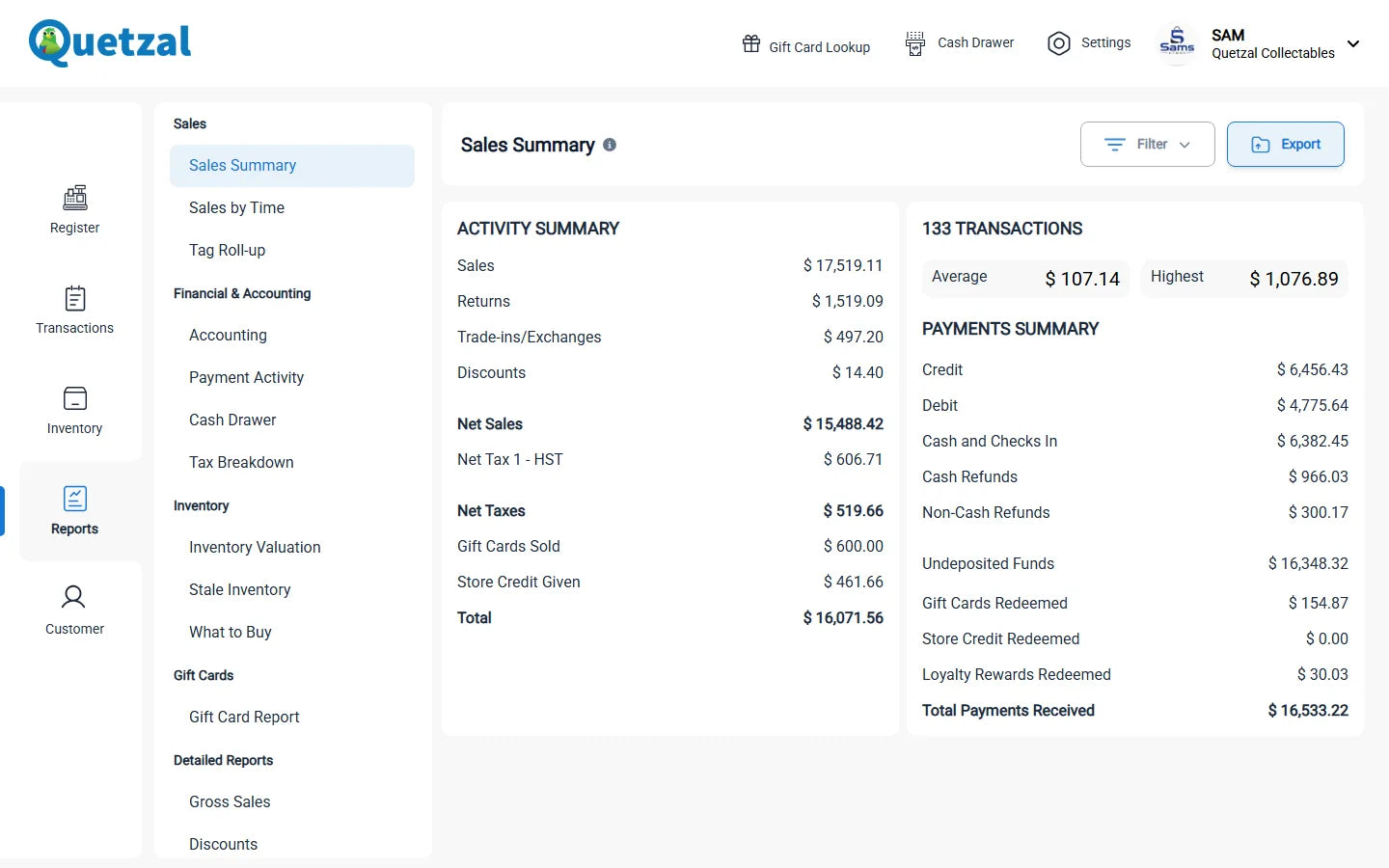
The sales summary shows sales, returns, trade-ins, discounts, taxes, gift cards and store credit, plus every payment type. Group by location, staff member or item.
Know what to reorder and what to mark down
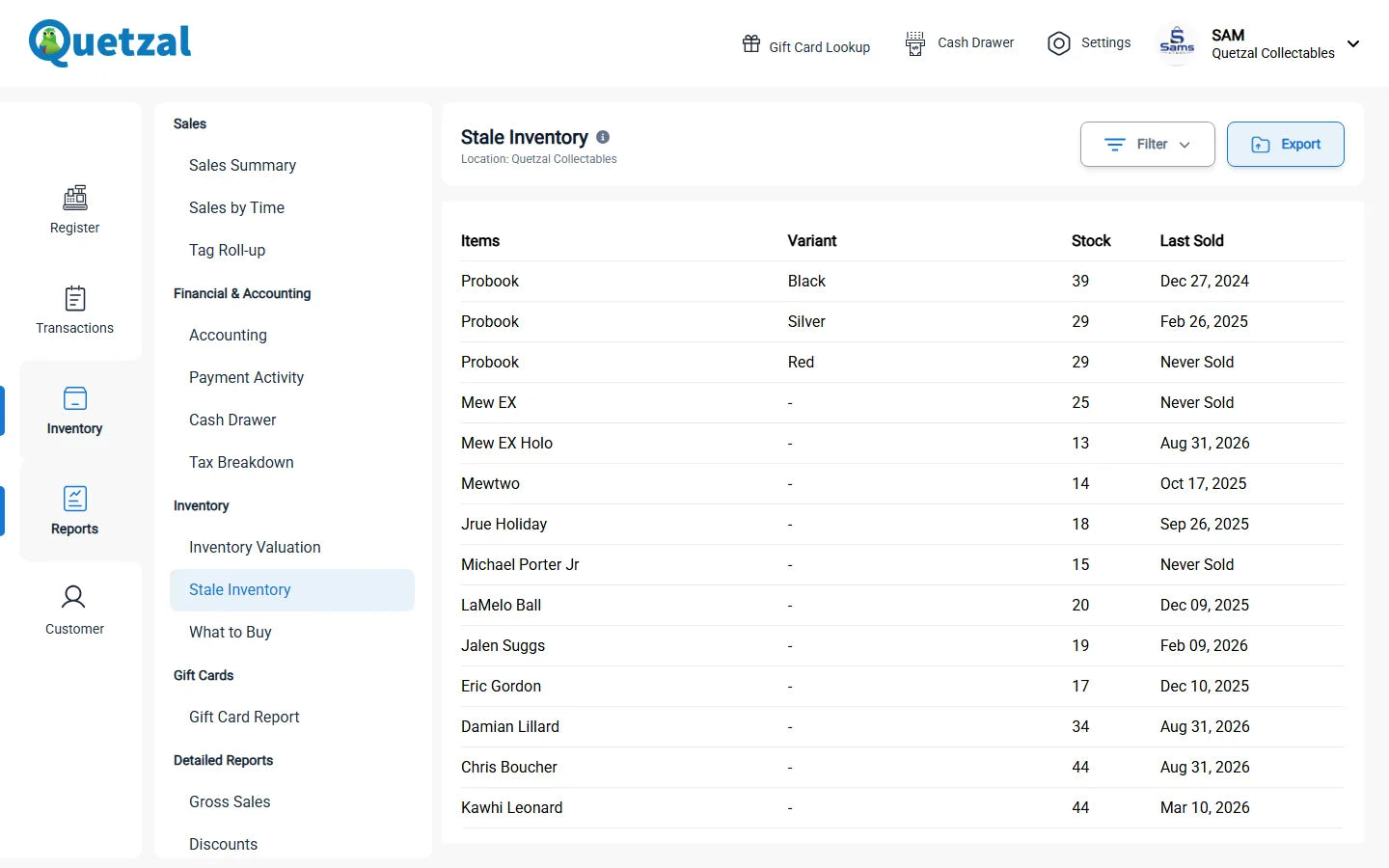
Stale Inventory lists what hasn't sold, and what never has. What to Buy uses sales velocity and days of stock left. Inventory valuation shows stock at retail and at cost.
Running the store
The settings that make it fit your shop, and the systems it connects to.
Staff, cash and taxes
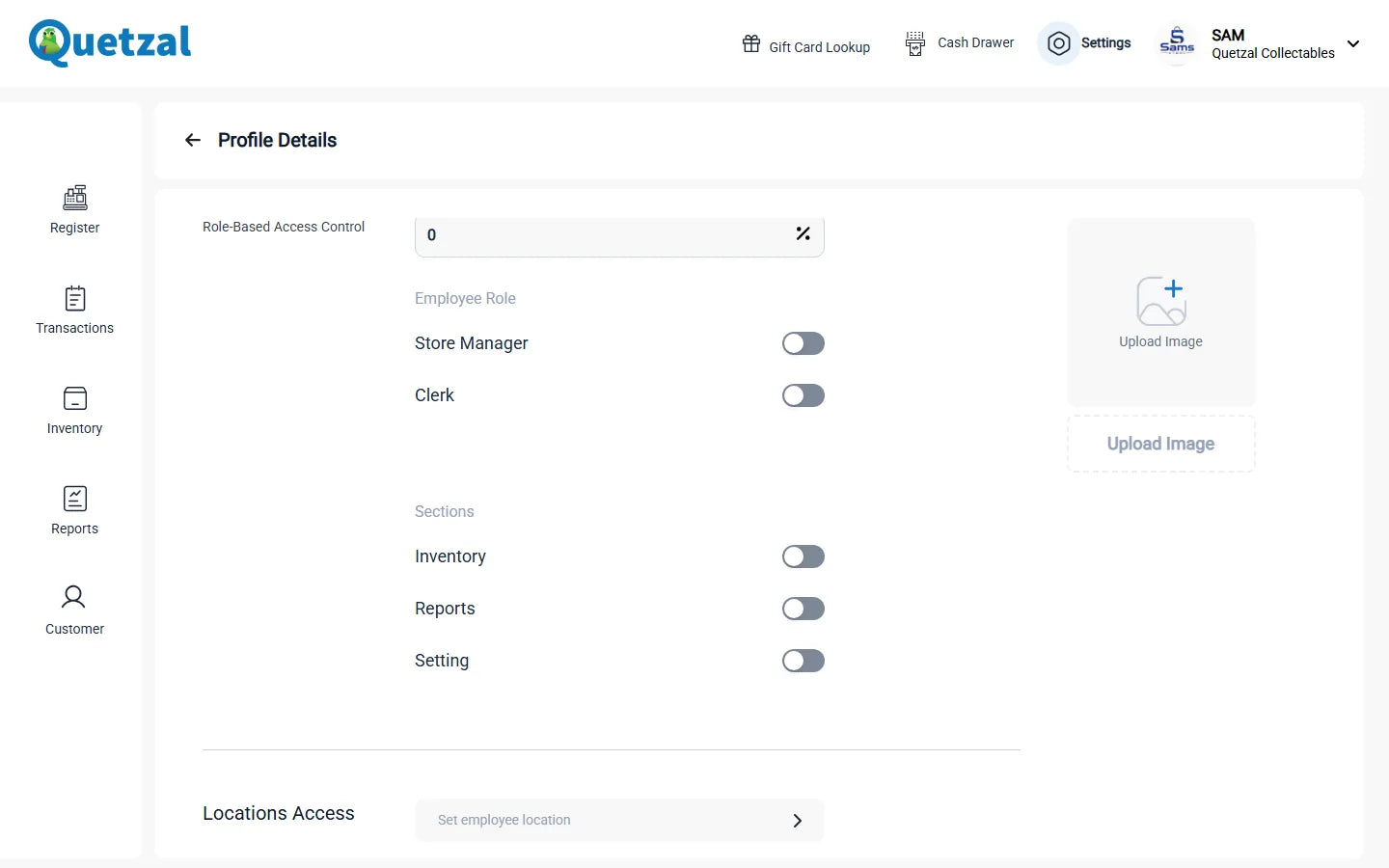
- PINs, roles and permissions: staff sign in with a 6-digit PIN. Set Manager or Clerk roles, choose which sections each person can open, and cap the discount each employee can give.
- Cash drawer management: opening float, cash in, paid outs, counts and closing, logged by staff member for each checkout lane.
- Taxes your way: multiple named taxes, tax-exempt categories, per-item tax at the register, and tax-inclusive pricing when you need it.
Lanes, locations, languages and imports
- Lanes and locations: up to 5 checkout lanes per store, each with its own drawer, printer and terminal. Add locations and control which staff can work where.
- Languages and currencies: use the app in English, French, Spanish or Italian, print receipts in the customer's language, and choose from 11 currencies.
- Import from Shopify: import products by CSV, including Shopify-format files, and upload product photos in bulk, matched by filename.

Integrations
- Ecommerce (Shopify · WooCommerce): Online orders land in the same transaction list and reports as in-store sales.
- Card payments (Verifone · Ingenico · PAX · Sunmi): Integrated terminals through Nuvei, with charge, void and retry built into checkout.
- Printers & labels (Star Micronics · Epson): Receipts, gift receipts and barcode labels, assigned per checkout lane.
- Devices (Web · iPad · Android): Run the register in a browser, on iPad (iPadOS 15 or later) or on Android.
In the news: Star Micronics announced its Quetzal POS integration in June 2026. Read the article
Feature questions
What devices does Quetzal POS run on?
Quetzal POS runs in a web browser, on iPad (iPadOS 15 or later, also Apple-silicon Macs) and on Android.
Can Quetzal POS handle size and colour variants?
Yes. You define attributes such as size and colour, and each variant gets its own SKU, barcode, price, cost and stock level.
Is loyalty included on the Free plan?
Yes. Customers, loyalty and gift card management are included on both the Free and Professional plans.
Can I import my products from Shopify?
Yes. Quetzal POS imports products from CSV files in its own format or in Shopify's export format, and matches product photos in bulk by filename.
Which card terminals work with Quetzal POS?
Quetzal POS integrates with Nuvei terminals, including Verifone, Ingenico, PAX and Sunmi models.
See these features with your own products
Book a demo and we'll walk through the parts of Quetzal POS your store would use most.