

How it works
How Quetzal POS works, from the first sale to the reorder
Quetzal POS is one system with five parts that feed each other: the register records each sale, inventory updates with it, the customer profile picks up the purchase and loyalty points, reports roll it all up, and integrations bring in Shopify and WooCommerce orders. You set it up once, then run it from a browser, an iPad or an Android device.
Follow one sale through the system
What happens after a customer buys a dress in size M, in five steps.
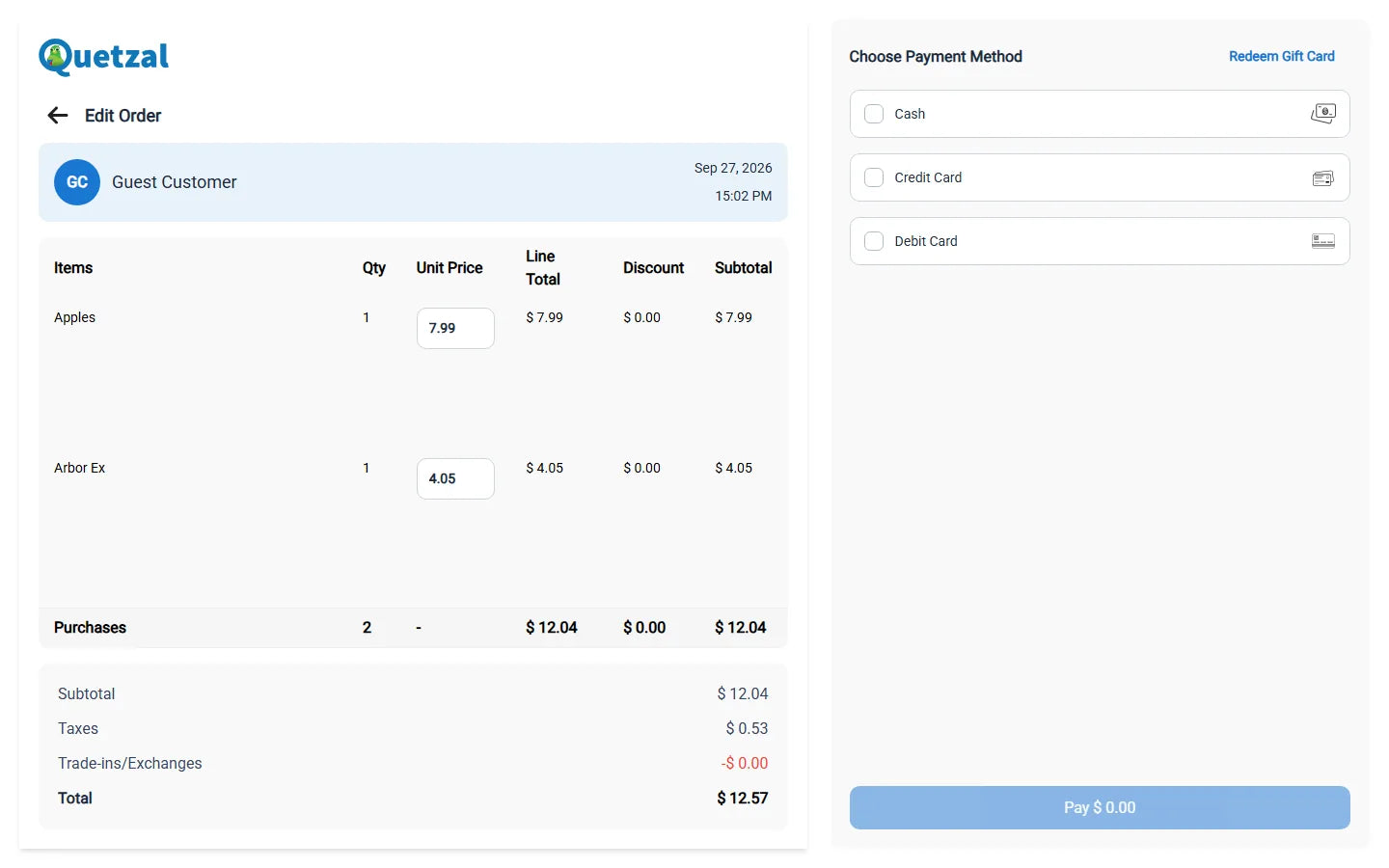
The sale is rung up
The cashier scans the tag or taps the product, picks size M, and attaches the customer. Payment can be split across cash, card, gift card, store credit and loyalty points. The card amount goes to the terminal assigned to that lane.
Stock drops, and the change is logged
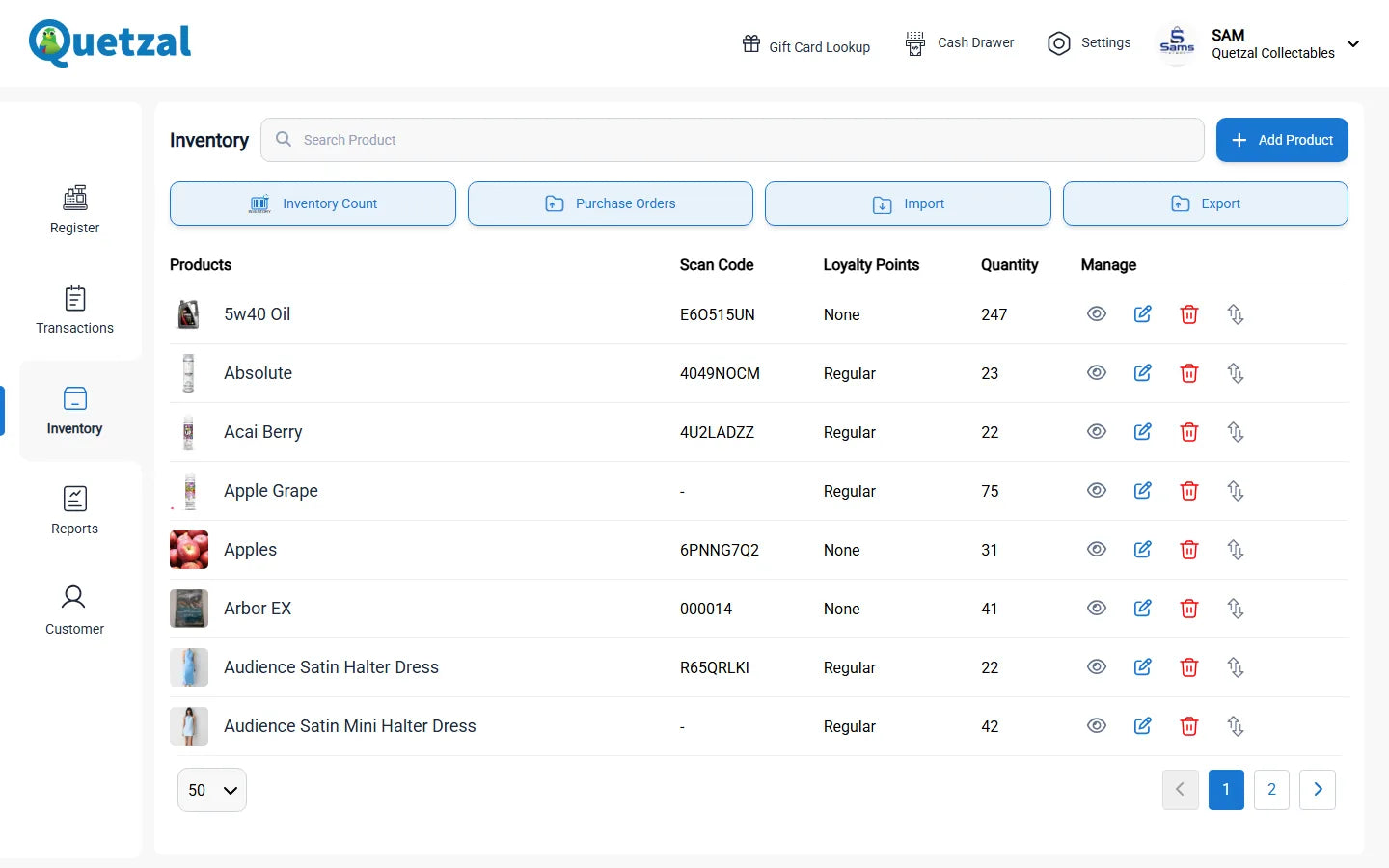
The size M variant goes down by one. The audit log records the order number and the cashier, so the stock change can be traced later. When stock gets low, a purchase order to the vendor or to another of your stores brings it back.
The profile remembers the visit
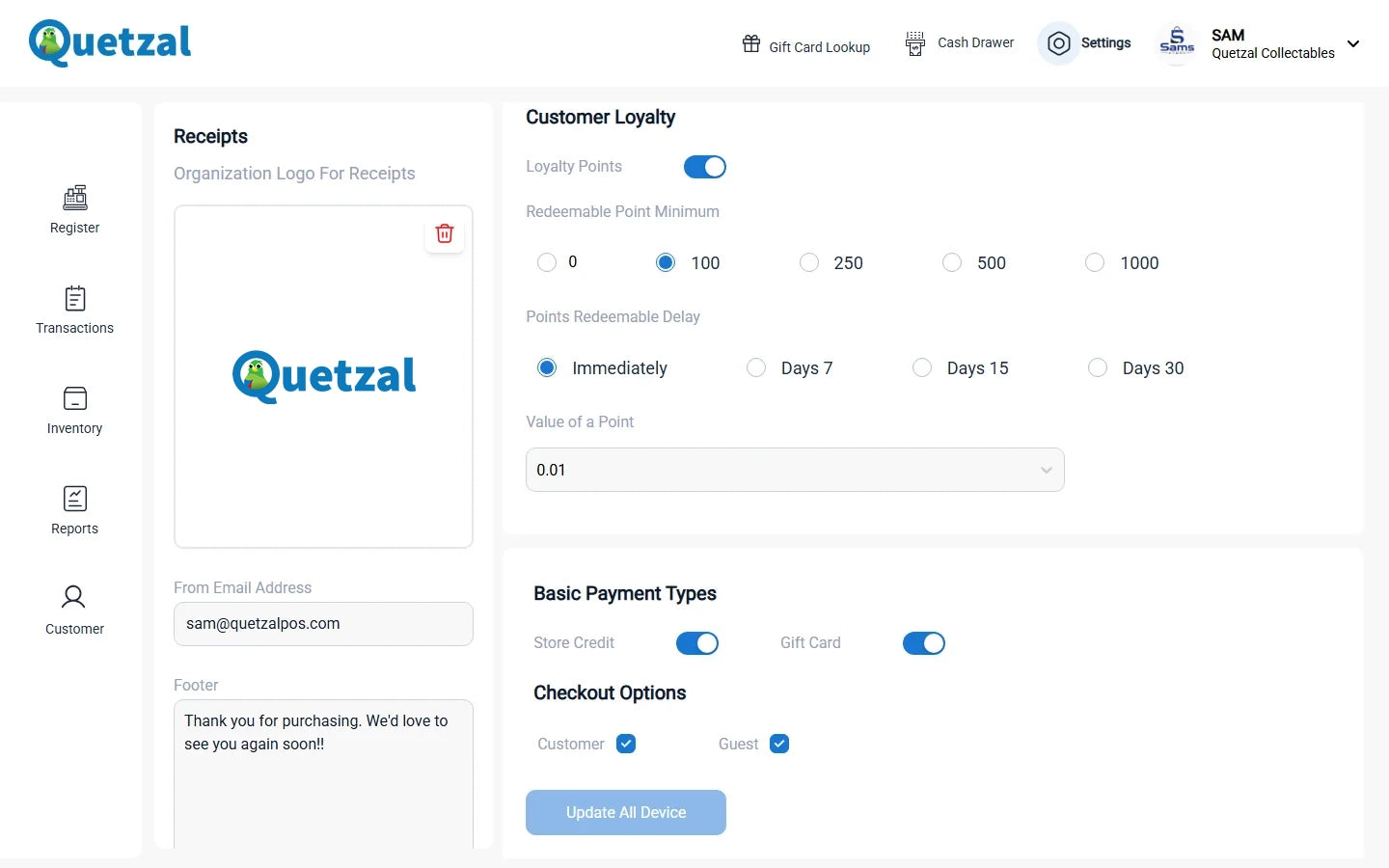
The purchase lands in the customer's history and loyalty points are added under your rules. If the dress comes back, the return can go to store credit, and the balance shows on the profile.
The numbers roll up
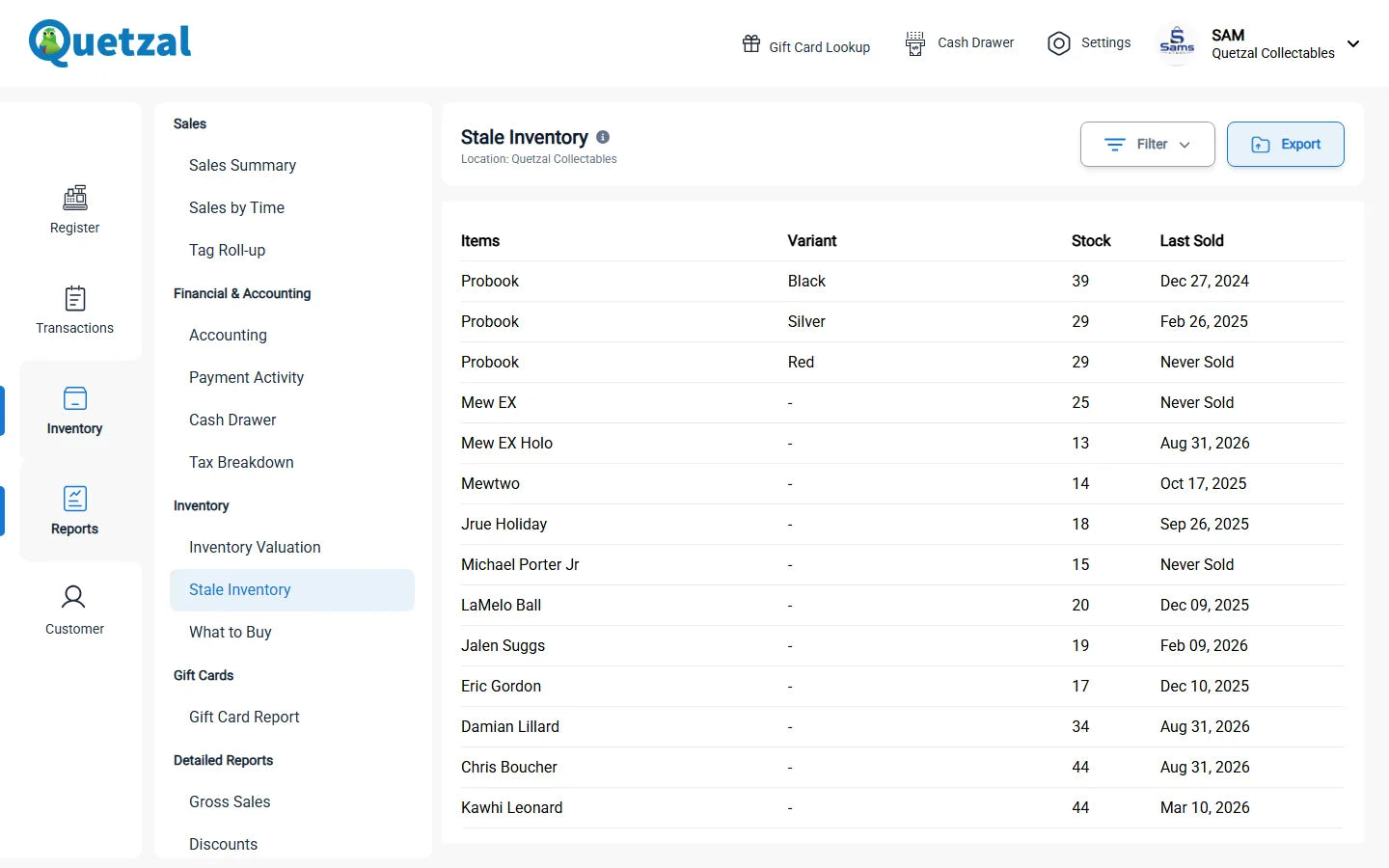
The sale counts toward sales by hour, profit by category, vendor or brand, and the tax breakdown. If the dress sits unsold in other sizes, Stale Inventory shows it. What to Buy uses the sales speed to suggest a reorder.
Online orders join the same list
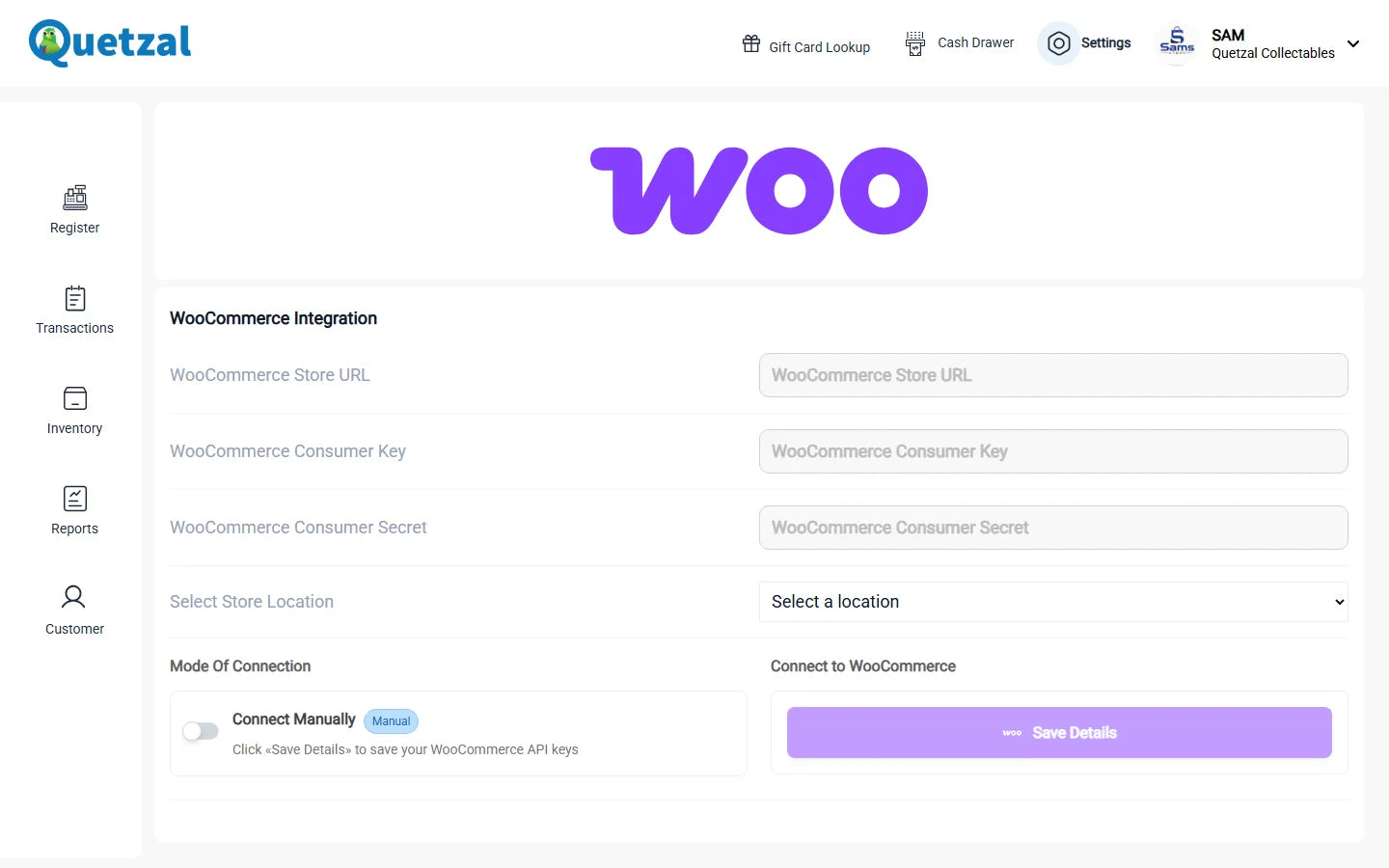
If the same dress sells on your WooCommerce or Shopify store, that order appears in Quetzal POS transactions with its source, and in the same reports as store sales.
A day in the store, and where each task lives
The routine most specialty stores follow, mapped to the screen in Quetzal POS.
| When | Task | Where in Quetzal POS |
|---|---|---|
| Opening | Count the float into the drawer | Cash Drawer, Count To Open Drawer |
| Opening | Staff sign in with their PIN | Switch User |
| All day | Sell, exchange, take trade-ins | Register |
| All day | Park a sale for a customer who'll be back | Hold Order, then Transactions |
| Deliveries | Receive stock, even a partial shipment | Inventory, Purchase Orders |
| Closing | Count the drawer and remove the deposit | Cash Drawer, per lane |
| Weekly | Decide what to reorder and what to mark down | Reports: What to Buy, Stale Inventory |
| Monthly | Hand numbers to your bookkeeper | Reports: Accounting, Tax Breakdown, export |
| Seasonally | Count the shelves | Inventory Count |
What you set up once
Most of this takes an afternoon. The Professional plan includes migration support if you're moving from another system.
1
Location and taxes
Store address, receipt details, and your taxes, with tax-inclusive pricing if you need it.
2
Categories
Colours for the register, subcategories, filter groups like Material, and tax exemptions per category.
3
Products
Add them by hand or import a CSV, including Shopify exports, then upload photos in bulk.
4
Staff
Users with a 6-digit PIN, Manager or Clerk role, section access and a maximum discount.
5
Lanes and hardware
Number each device's lane (1 to 5), then assign its printer and card terminal.
6
Loyalty and payments
Point value, redemption minimum, and whether you take store credit and gift cards.
By the numbers
- 5 checkout lanes per store
- 25+ reports, each exportable
- 4 app languages
- 11 currencies
- 3 ways to run it: web, iPad, Android
How it works: questions
Do I need separate systems for the store and the website?
No. With the Shopify or WooCommerce connector, online orders appear in the same transaction list and reports as in-store sales.
What happens to stock when an item is exchanged?
The returned item goes back into stock automatically if its SKU matches, and the change is logged with the order.
Can I run the same store on a browser and an iPad?
Yes. Sign in to the same account at web.quetzalpos.com or in the iPad or Android app, and give each device its own lane number.
Walk through it with your own products
Book a demo and we'll follow a sale from your register to your reports.