


Training
Quetzal POS training for store staff, managers and owners
Quetzal POS training runs in three tracks: store staff, managers and administrators. Sessions are group or virtual, and cover new-hire onboarding, refreshers and support on the day you go live, using your own products and store setup.
Three training tracks
Each person learns the parts of Quetzal POS they'll use.
For cashiers and sales associates
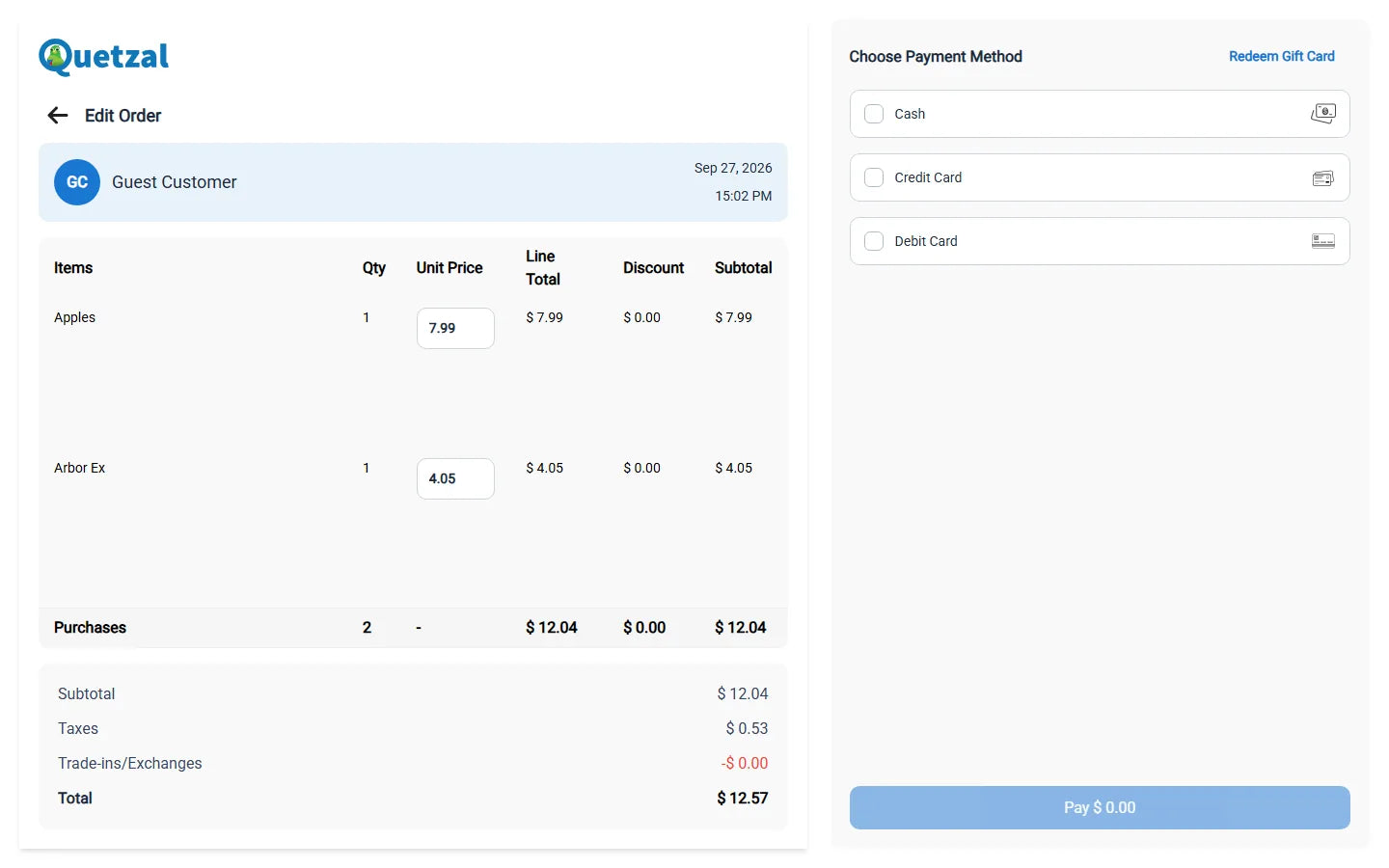
- Ringing up sales and splitting payments
- Looking up and adding customers
- Loyalty points, gift cards and store credit
- Returns, exchanges and trade-ins
- Holding orders, opening and closing the cash drawer
For store managers and supervisors
- Products, variants and stock adjustments
- Guided stock counts
- Purchase orders and receiving
- Daily and weekly reports
- Staff accounts and store operations

For owners and system administrators
- Store, tax and receipt configuration
- Multiple locations and checkout lanes
- Catalogue setup and imports
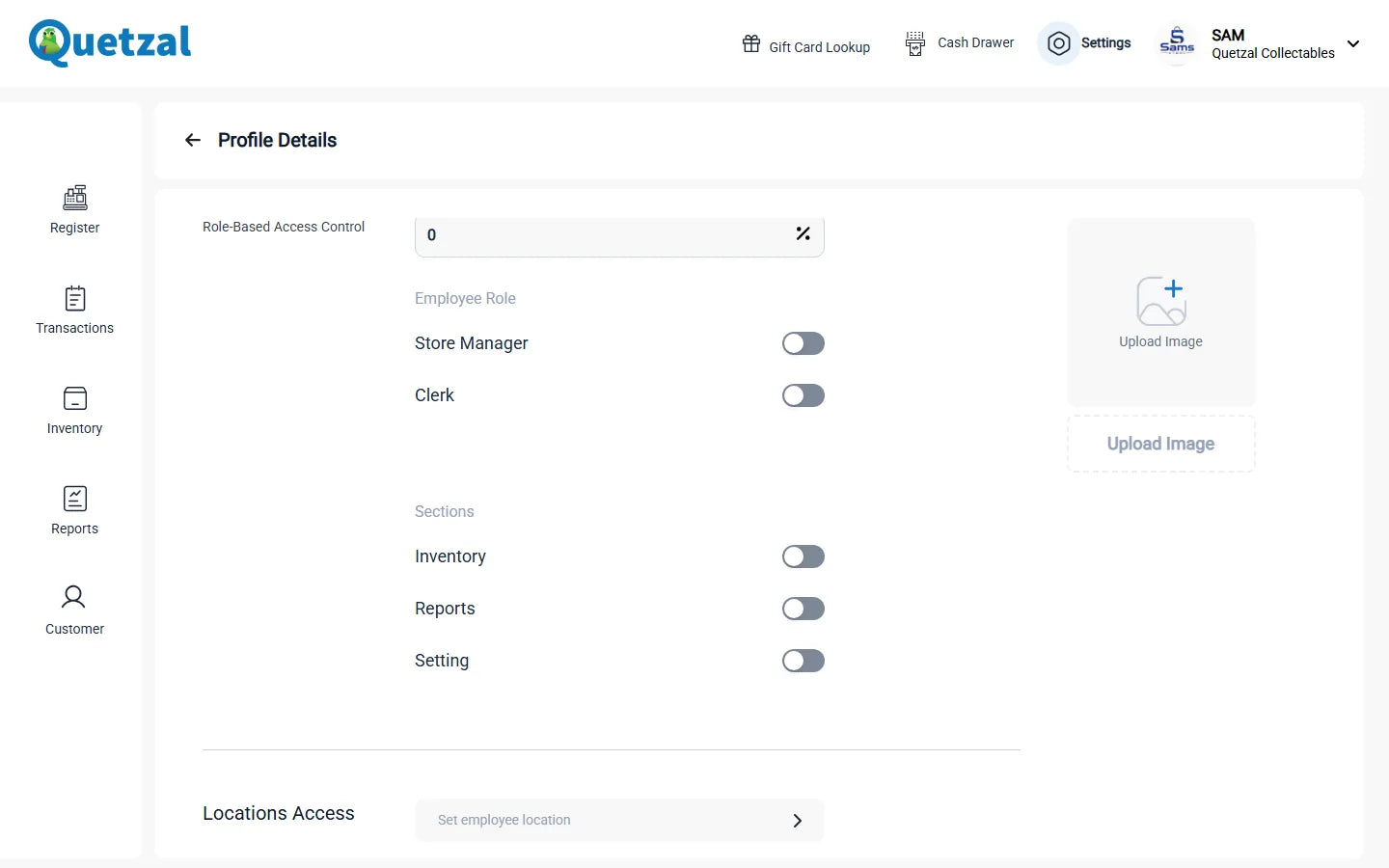
- Roles, section permissions and discount limits
- Business reporting and exports
How training is delivered
Format
Group sessions
Train several people at once.
Format
Virtual sessions
Learn remotely, from the store or anywhere else.
Timing
Go-live support
Help on the day you start trading on Quetzal POS.
Timing
New-hire onboarding
Bring new staff up to speed after launch.
Timing
Refreshers
Revisit features, or learn ones you didn't use at first.
Scope
Role-based
Staff, managers and administrators each get the track that fits their job.
Why train on your own setup
A cashier who has practised a split payment or an exchange on your own products handles it without calling a manager. A manager who has run a stock count once knows what the variance screen is telling them. That is the point of training on your store, not a demo account.
Training questions
Who is training for?
Store staff, managers and administrators. Each group has its own track.
Is training in person or online?
Training is delivered as group or virtual sessions.
Can new staff be trained after we launch?
Yes. New-hire onboarding and refresher sessions are available after go-live.
How do we schedule a session?
Contact us and we'll arrange a time that works for your store.
Book training for your team
Tell us how many people need training and which roles they have.
